

Retaining LegalZoom's Largest Enterprise Client Through a Zero-to-One B2B2C Benefits Platform
LegalZoom's largest enterprise client with 45K employees needed a new benefits platform built from scratch, with a hard January 2018 deadline.
As the sole Lead UX Designer, I led the product from zero to shipped, end-to-end across research, IA, prototyping, and QA, while establishing LegalZoom's first foothold in the B2B2C benefits market.
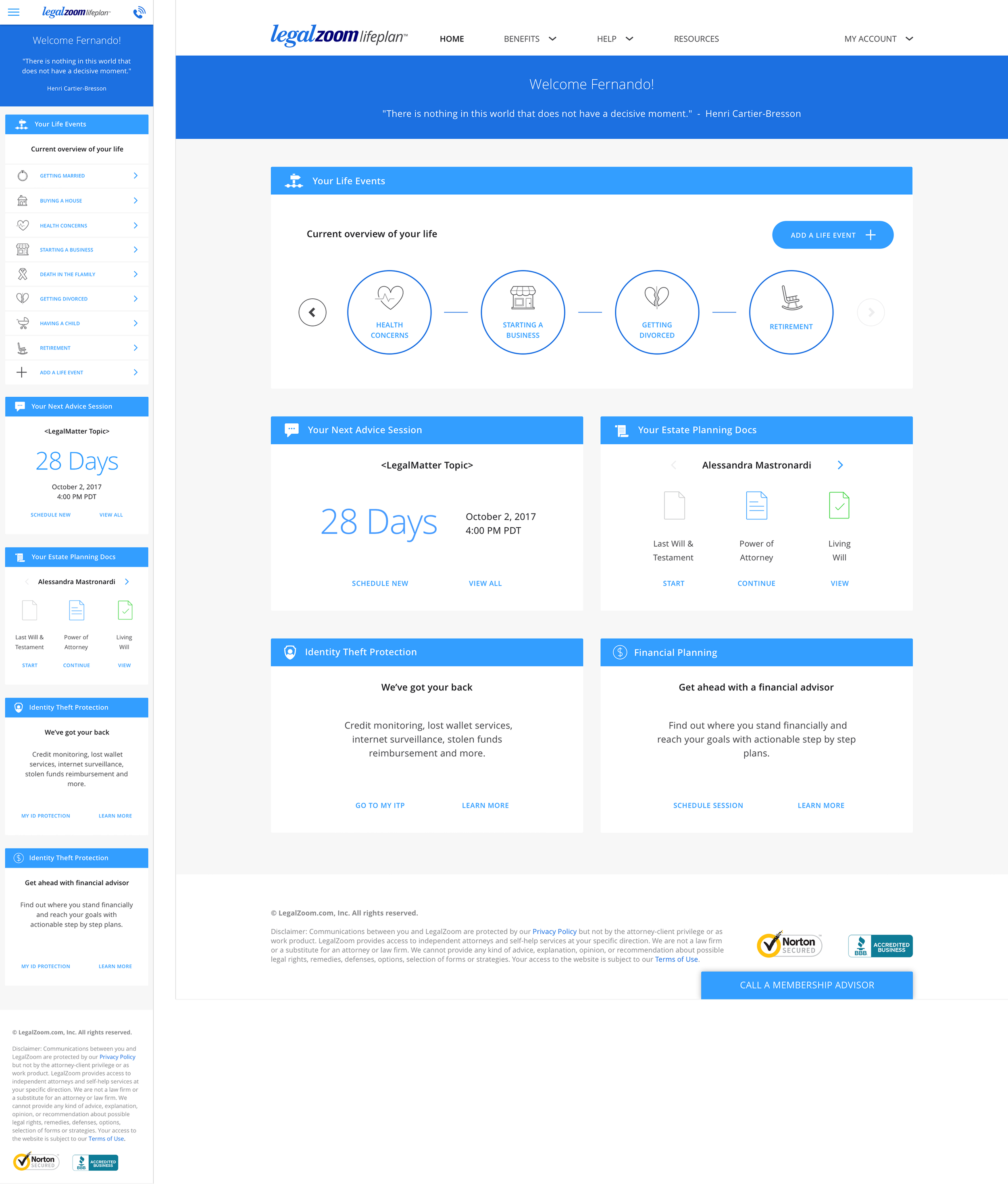
Above: Home page responsive dashboard design was clean, simple, and allowed users to easily add and mange life events. Comps by Dan Harris, UI designer.
Overview
Lifeplan was a new B2B2C business unit formed in LegalZoom, offering a new comprehensive HR benefit subscription service for client company employees.
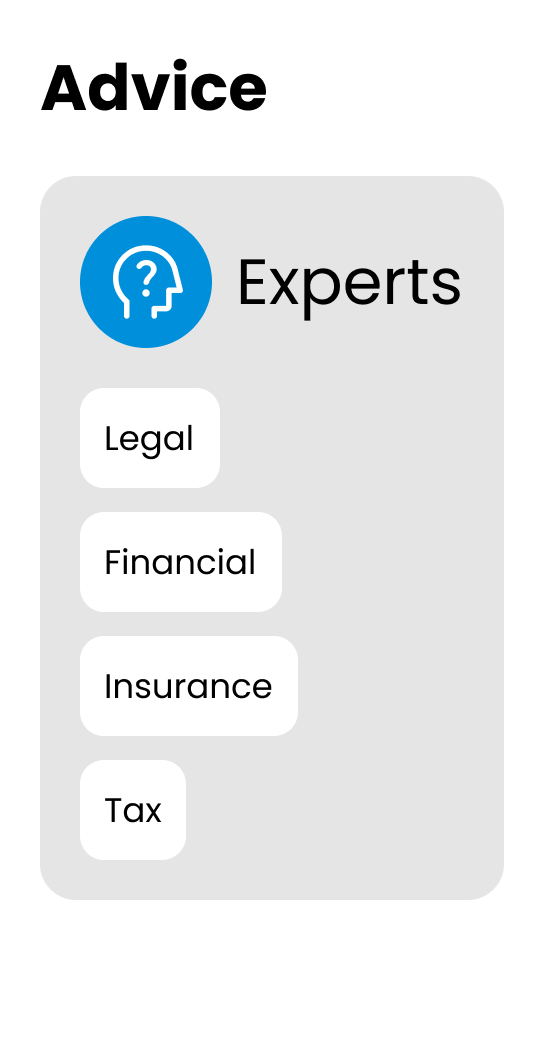
Focus Areas
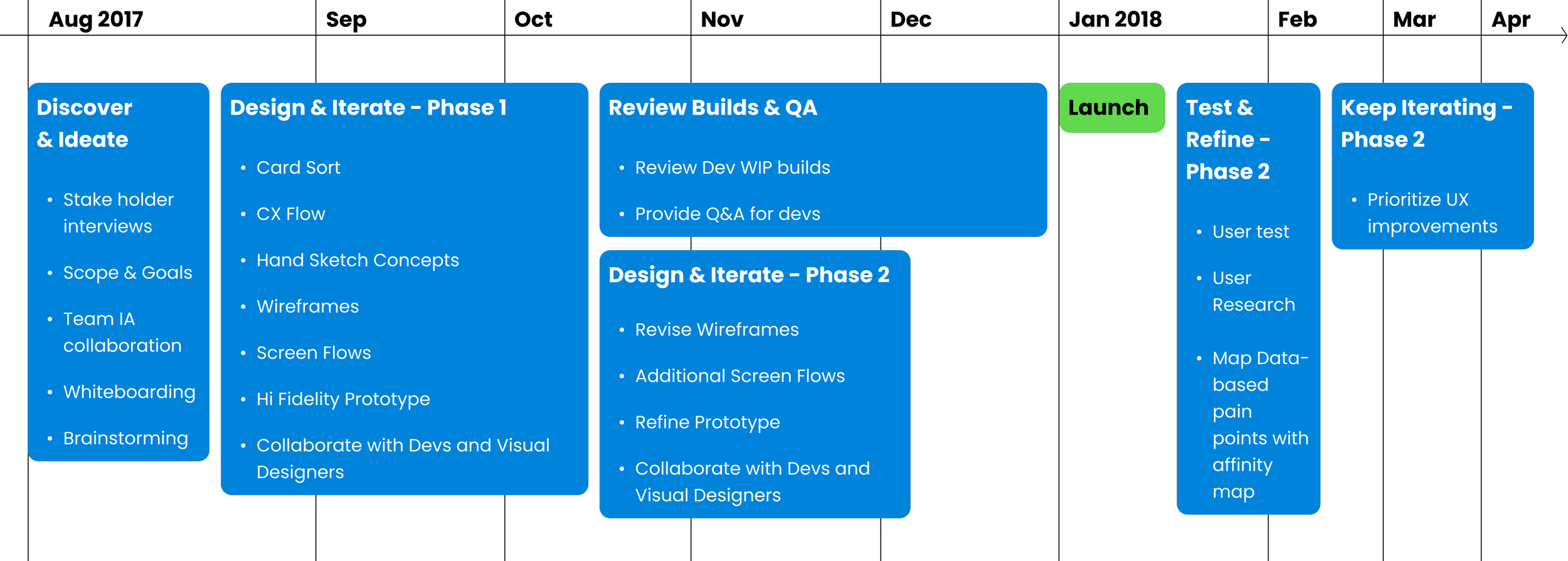
Timeline
Team




Senior UX Designer
(Later promoted to Lead)
Service Designer
(2) Visual Designers
Content/Copy/Marketing Manager
Operations Manager
Product Manager
(~8) Developers
(2) QA Engineers
What I Did
Led UX
For a new “startup within LegalZoom”.

Collaborated cross-functionally
with Visual Design, Sales, Development, Product, Content, Service Design, and Research.

Designed end-to-end
Mobile responsive website for 0-1 business unit.

Designed and shipped
MVP within aggressive timeline of 5 months.
Facilitated
Unmoderated Card Sort for information architecture and navigation.

Leveraged data
To inform post-launch improvements, and propose user-centric improvements.

My Impact
Problem
Challenges
1
2
3
4
Design system that lacked many patterns: we paved the way for several new patterns
Team underwent the Tuckman Model: we quickly needed to learn how to form, storm, norm and perform together.
No dedicated UX Researcher: we conducted discovery and research methods on our own.
The current LegalZoom website: would need to smoothly and smartly integrate with our new features.
Approach and Execution
Workshop the IA and Flows
When I joined the team, there was already a v1 of the site built, and our job was to create v2 using the same assumptions.
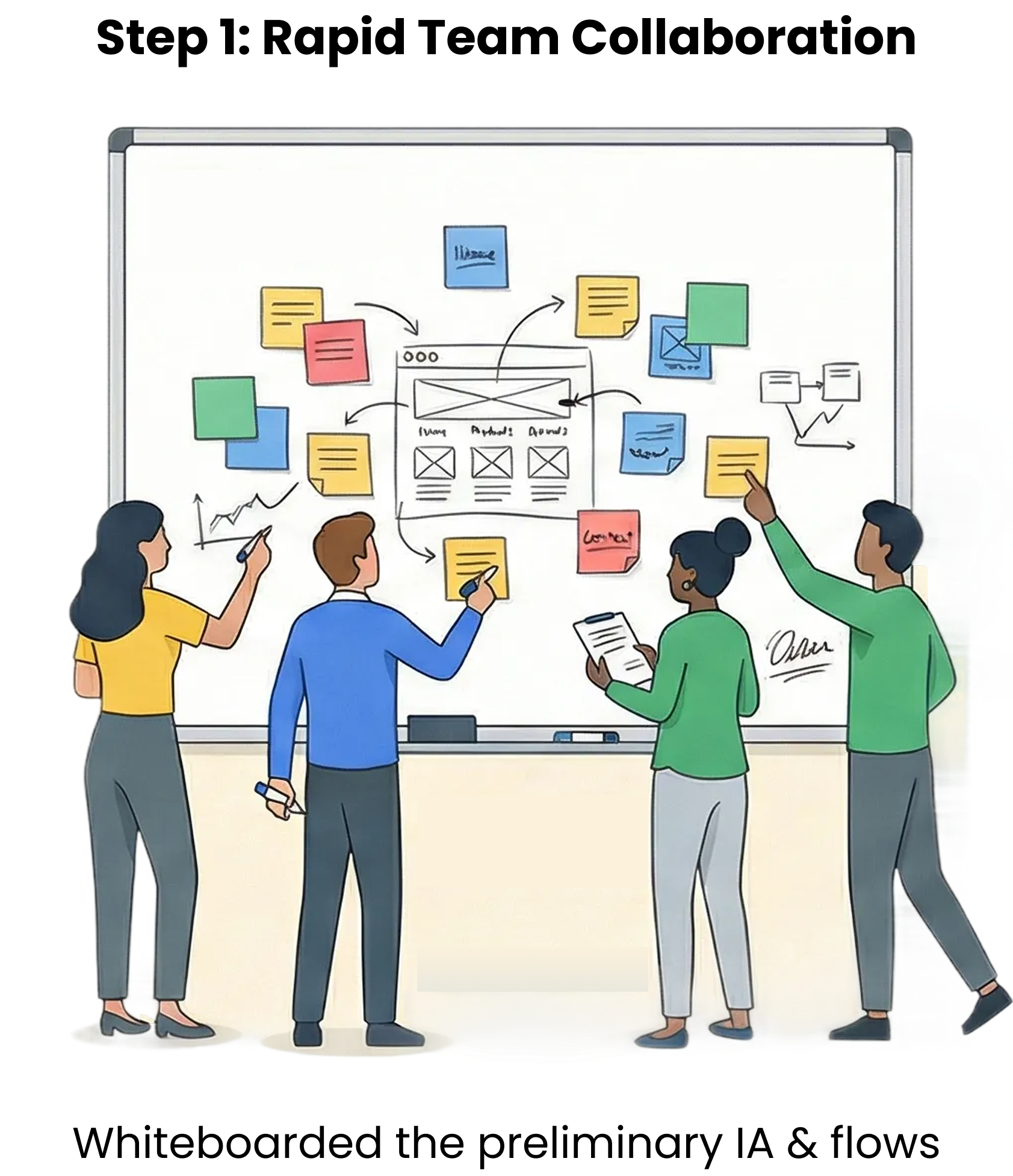
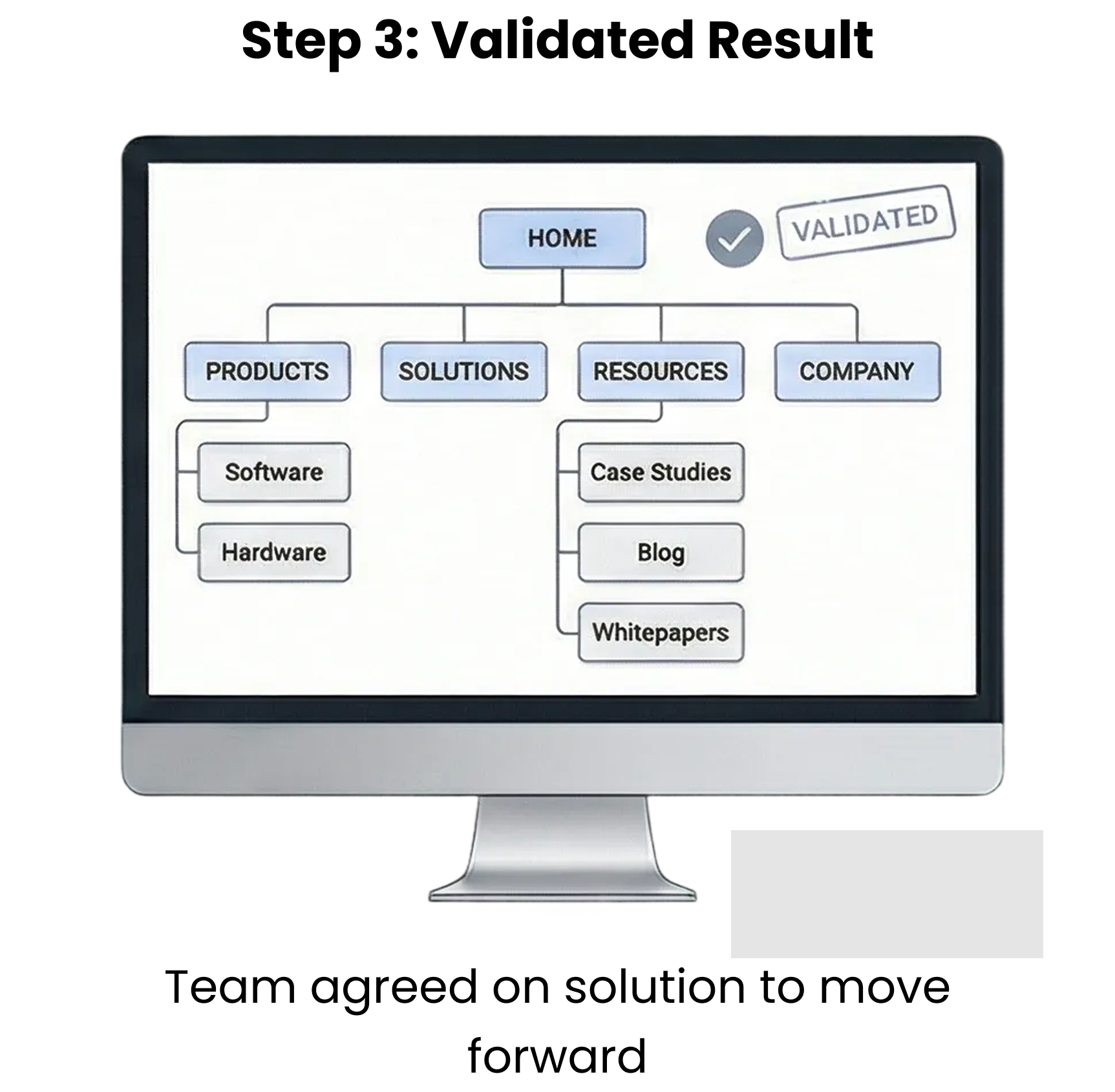
But the team immediately disagreed about the navigation IA. I unblocked team disagreements by facilitating collaborative whiteboard sessions with visual design, content, and UX.
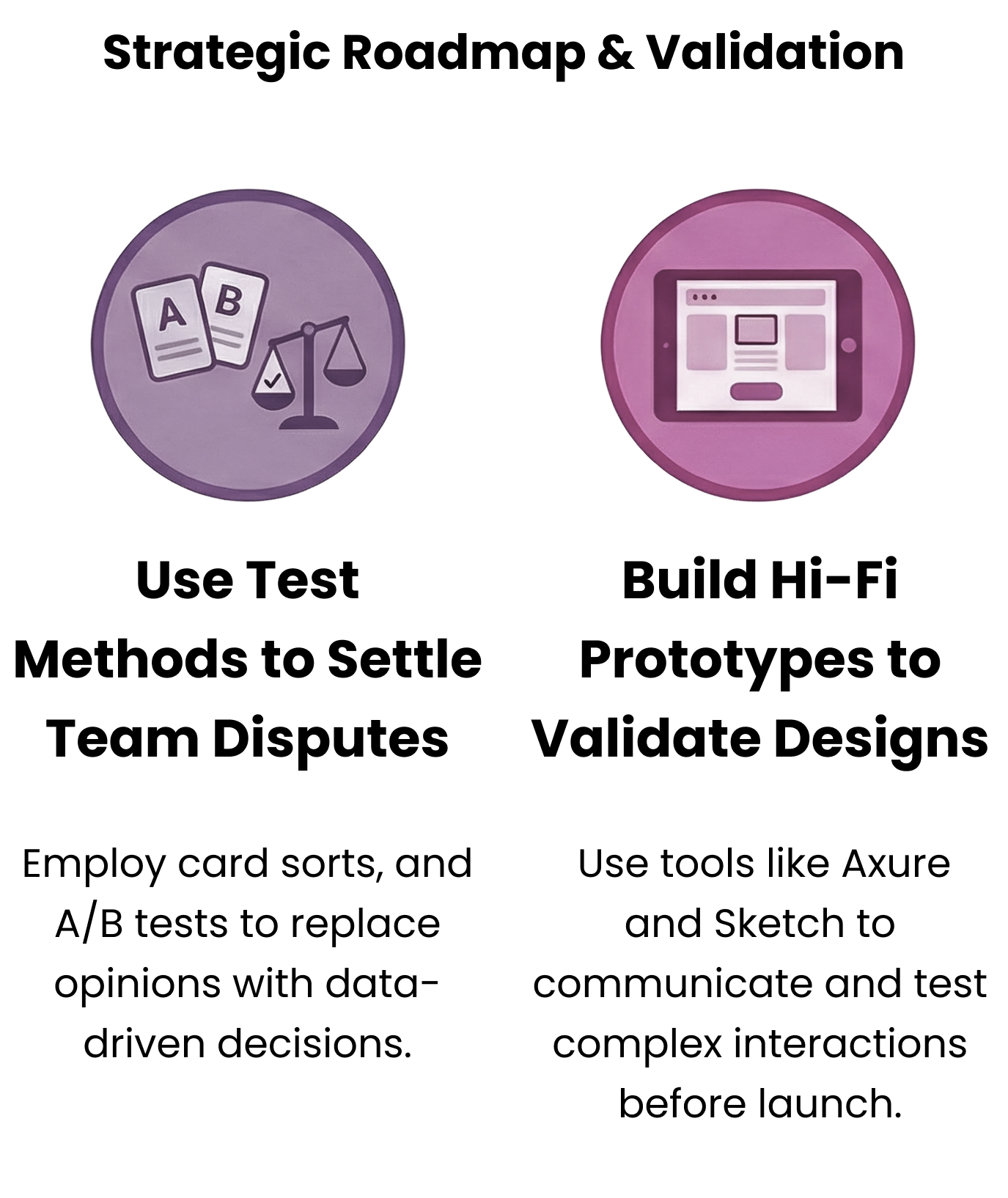
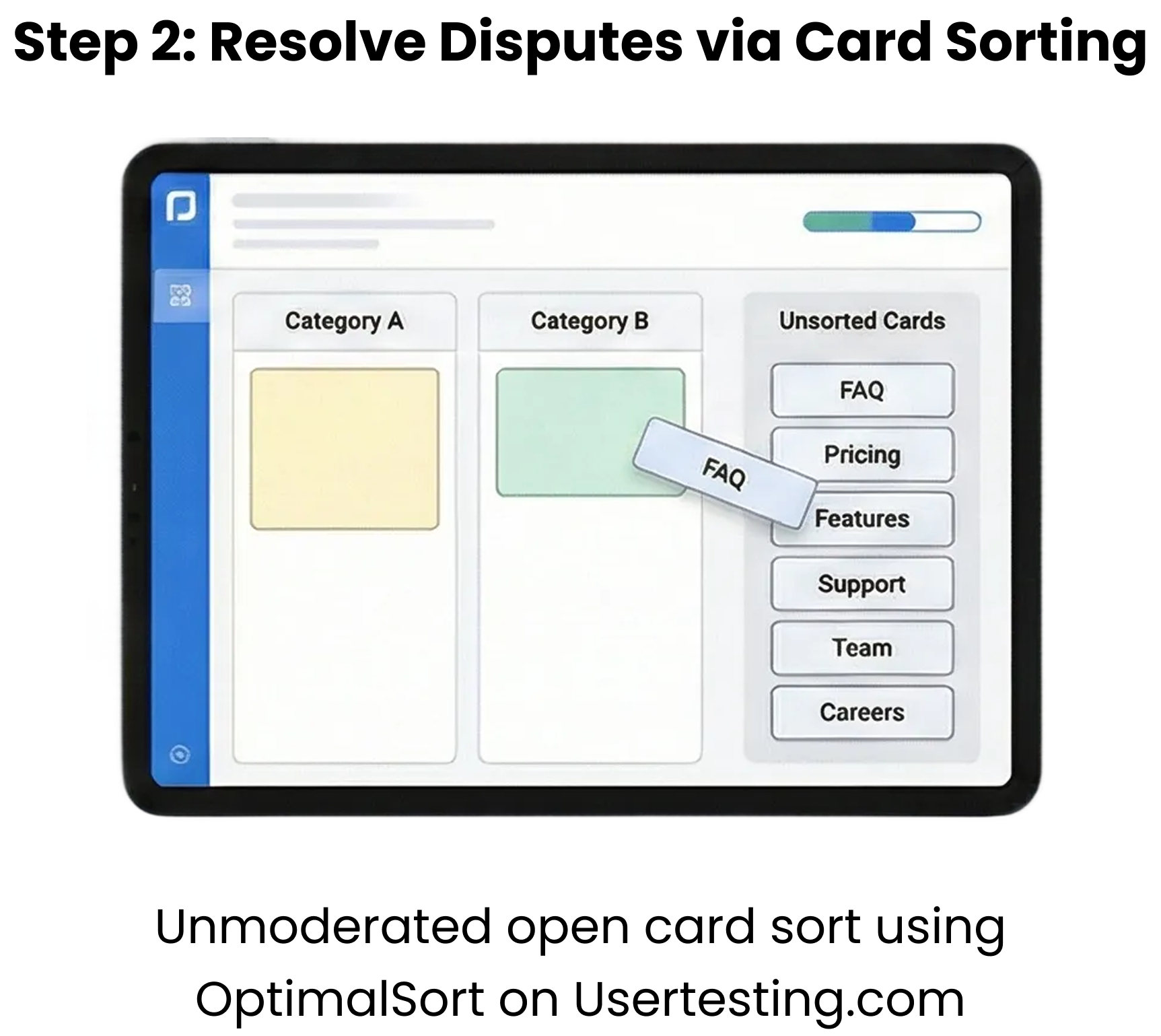
Following that, to resolve and push us forward, I conducted unmoderated open card sorts using OptimalSort on Usertesting.com.
Create CX (Customer Experience) Screenflows
Lifeplan is a digital product that triggers human services on the back end. To show when and how the CX (Customer Experience) related to the site, I mapped out the CX in screenflows.
Below: Shows how Member Advisors connected 3rd party advisors to LifePlan customers.
Collaborate for Best Ideas: Lo to Hi-Fi
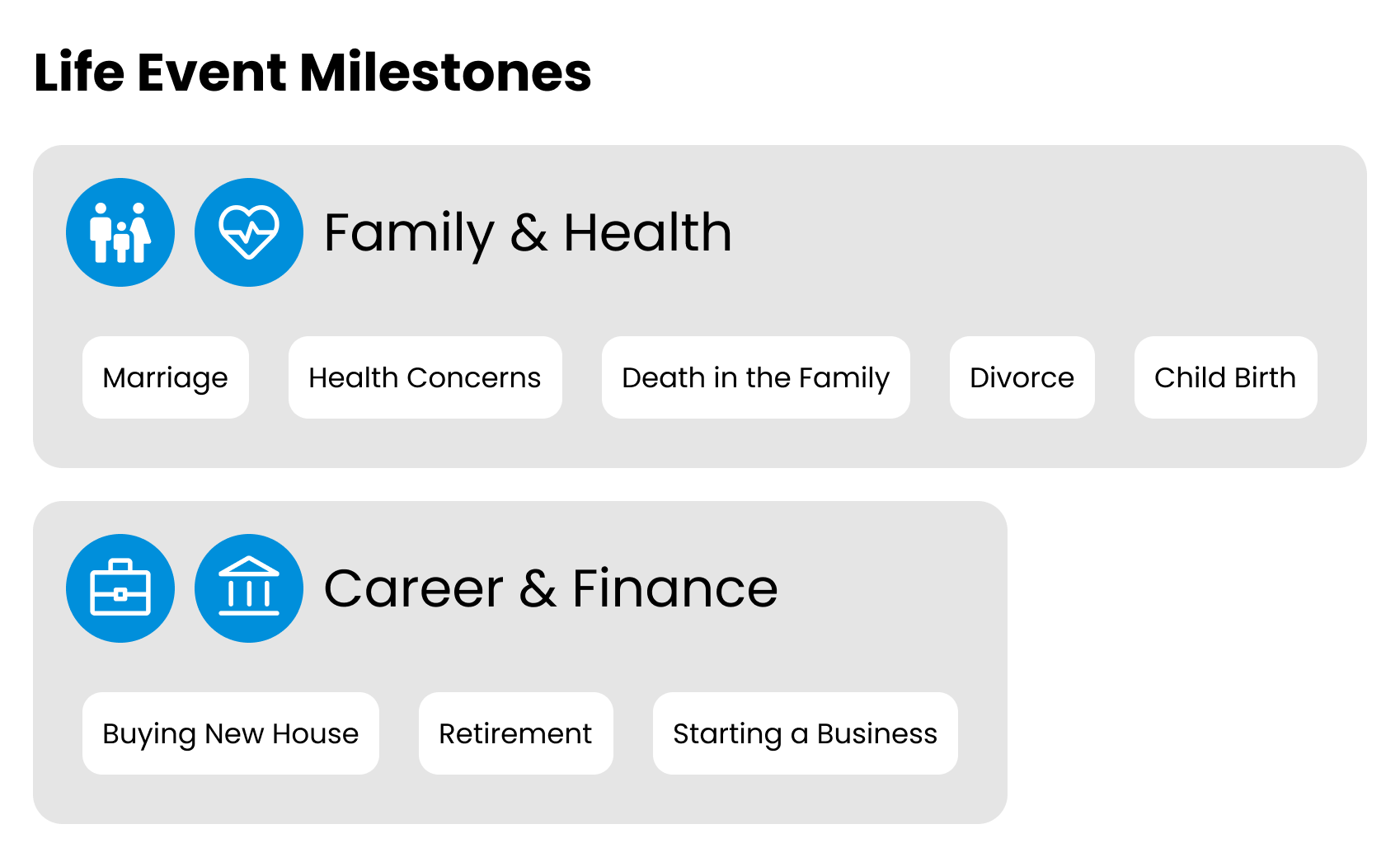
The primary feature was a "Life Event" dashboard for users to create a timeline of events that occur in their life. For each life event, they could get tips and guidance from LifePlan.
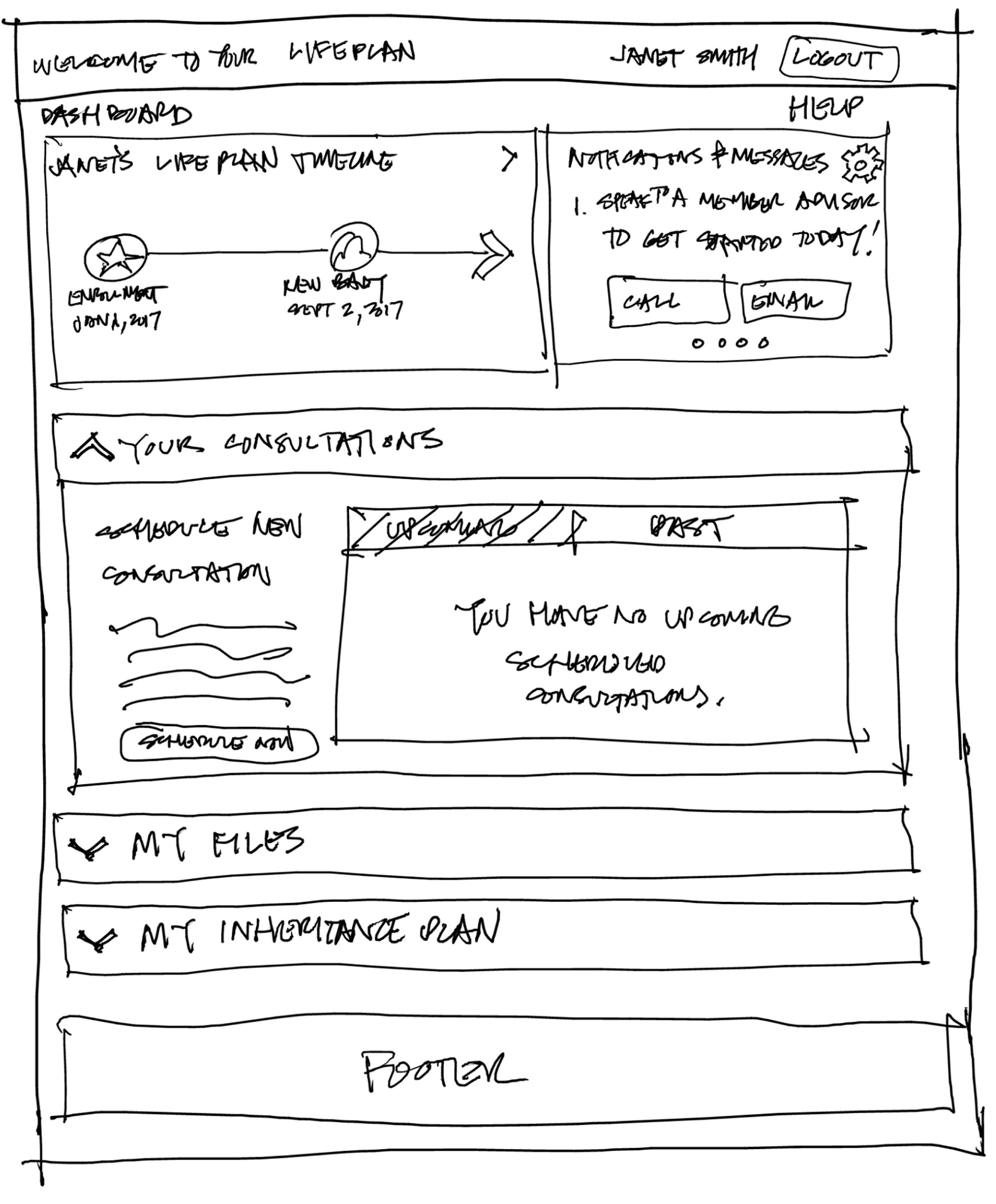
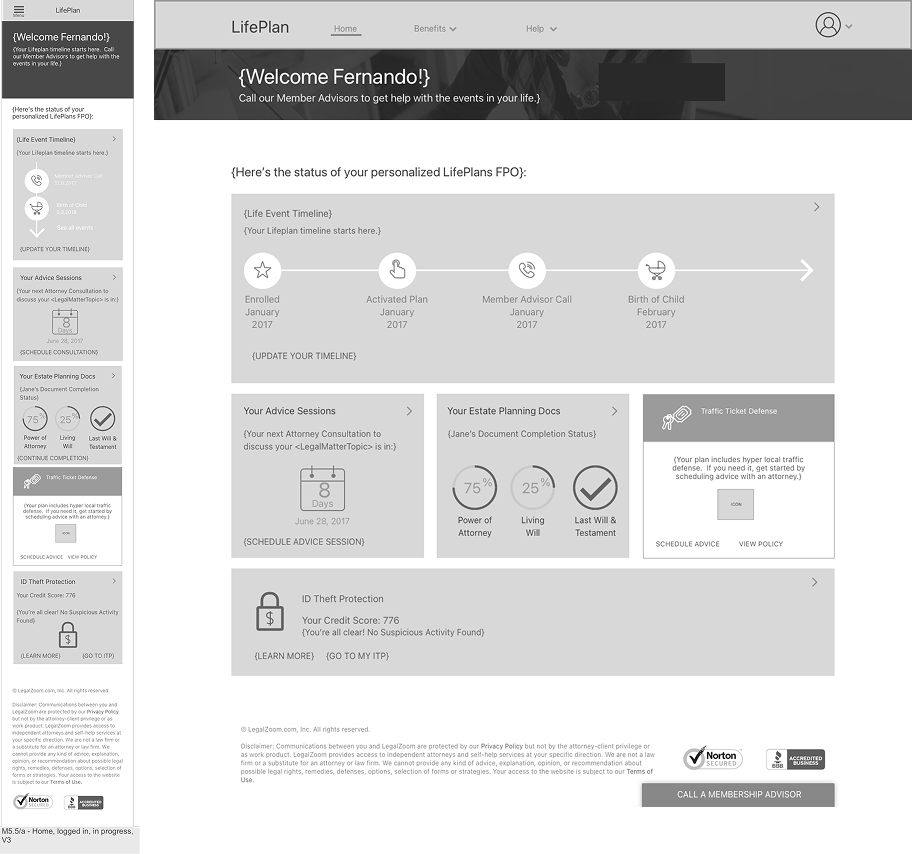
Below: I started with hand sketches to share ideas quickly with the team before committing to wireframes. As we drilled down into states and interactions, I iterated the sketch with team feedback. Any feedback on sketches goes into the wireframe = fast iteration loop.
I partnered with Visual Designers to refine final design, so from sketch -> wireframe -> hi-fi, each round done with team collaboration.
Create Hi -Fidelity Prototype
Using Axure RP with the visual designers comps, I designed and prototyped a concept to help the tech team assess feasibility. I also planned to user-test this design but the team deferred the feature for the sake of time.
Below: I created this prototype in Axure using UI assets and comps by Dan Harris, UI designer.
Final Designs
I owned the wireframes, interactions, and partnered with our visual designer, Daniel Harris, to finalize these designs below.
Below: Mobile and Desktop Dashboard Home Page
Below: Mobile and Desktop Book Advice Modal
Below: Mobile and Desktop Estate Planning Page
The Result
I partnered with development to value-engineer under the tight timelines and restrictive resources to successfully ship the desktop and mobile MVP on time on January 1, 2018.
This met our client contractual obligations and retained LegalZoom’s largest enterprise client with 45K employees, giving them a benefit that helped them navigate personal and professional life events with more clarity and professional advice.
Collected User Data
←
Kept Improving
←
I Didn't Stop
←
Collected User Data ← Kept Improving ← I Didn't Stop ←
Resolve Conflicting Strategic Opportunities
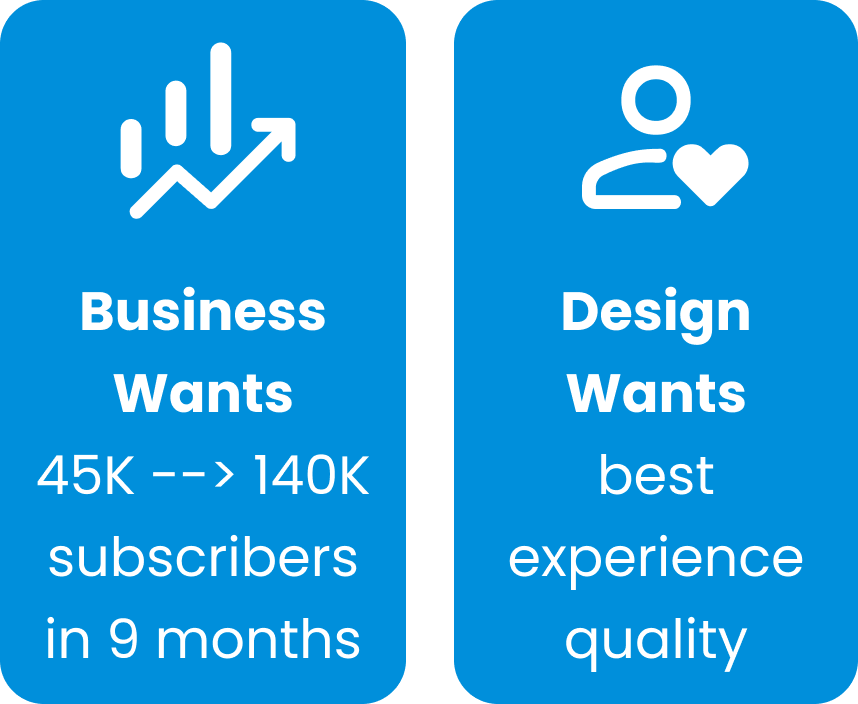
After launch, leadership set a new directive to increase our subscribers from 45k to 140K in 9 months. Design's goal was to fix the highest-friction UX issues first. This caused tension because both are legitimate, so how do you prioritize without politics?
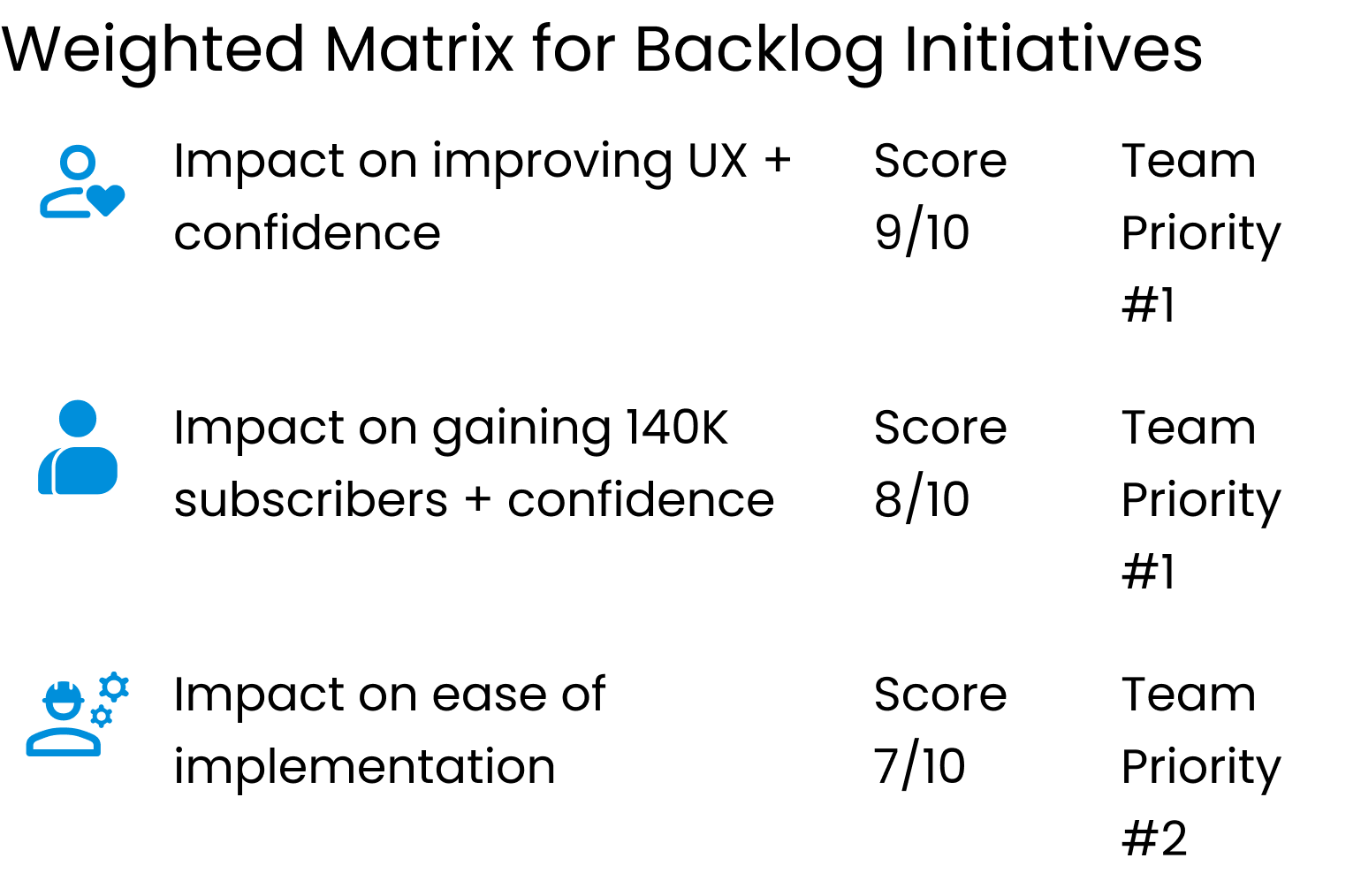
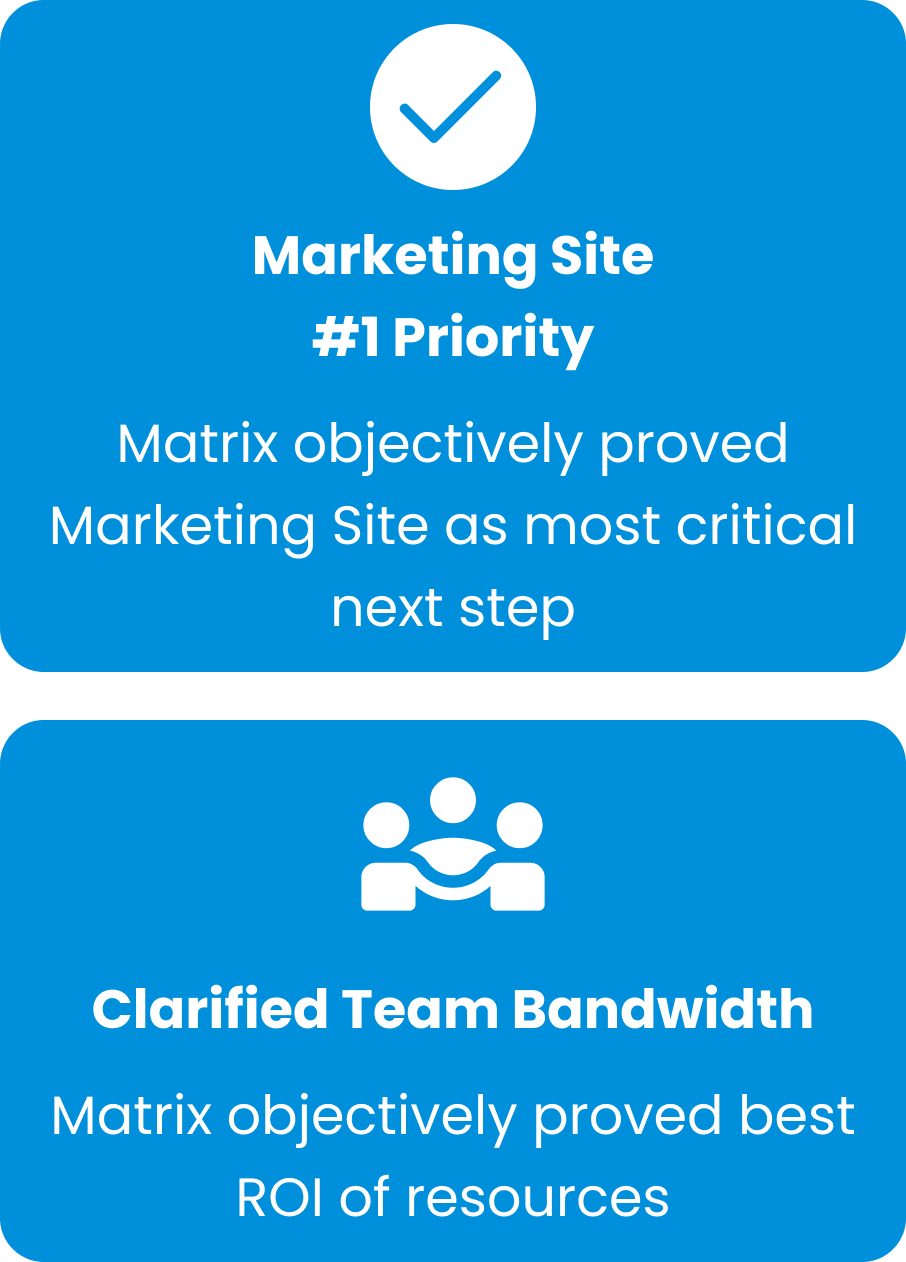
I used a weighted matrix to score every backlog initiative. It made sequencing decisions objective and not political. For each initiative, we weighed criteria. The result showed that a consumer-facing Marketing site was the most critical next step.
This addressed both business growth and UX confidence at the same time, and also clarified team bandwidth to show the best ROI of resources given our capacity.
I also listed Product’s full backlog in a weighted matrix that prioritized each item based on Team Priority and 5 types of Quantifiable Scores to arrive a the total Priority Score. This is how I managed a roadmap with no PM oversight after launch.
Conduct User Research & Map Data-Based Pain Points
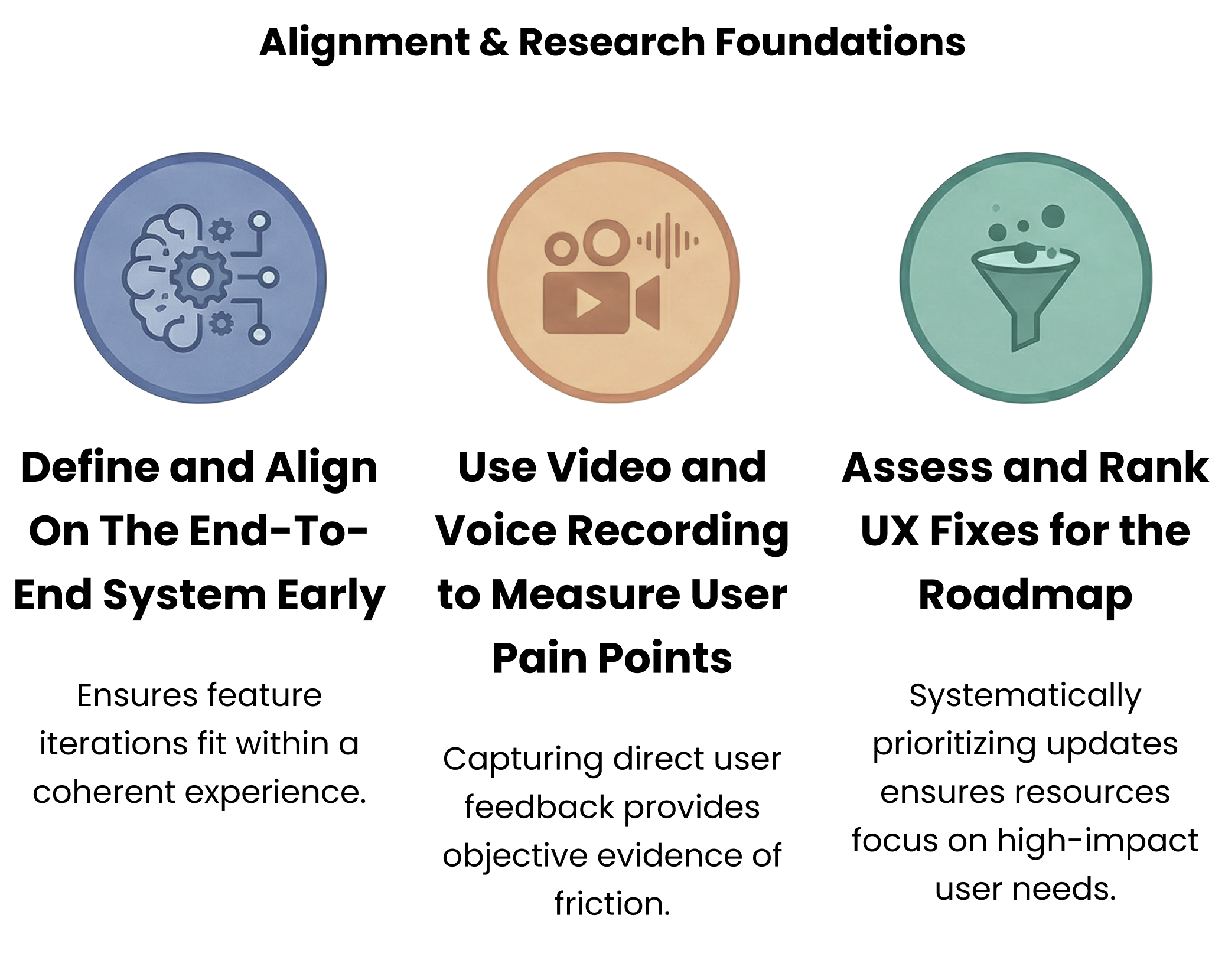
Our Content Manager and UI team took on a new Marketing Site, while I focused on research and discovery to improve what we shipped. My research approach started with using audio and visual data.
SpeechMiner recorded audio calls from member support calls, while Quantum Metrics recorded video sessions from actual users. Using this data, I matched what users said with what they actually did, which we combined with quantitative validation.
To identify and quantify complaints, I partnered with our Service Designer to create a phone survey for our Member Advisors to conduct for us. So that I could easily find them later, it included steps to tag the problematic surveys in Salesforce.
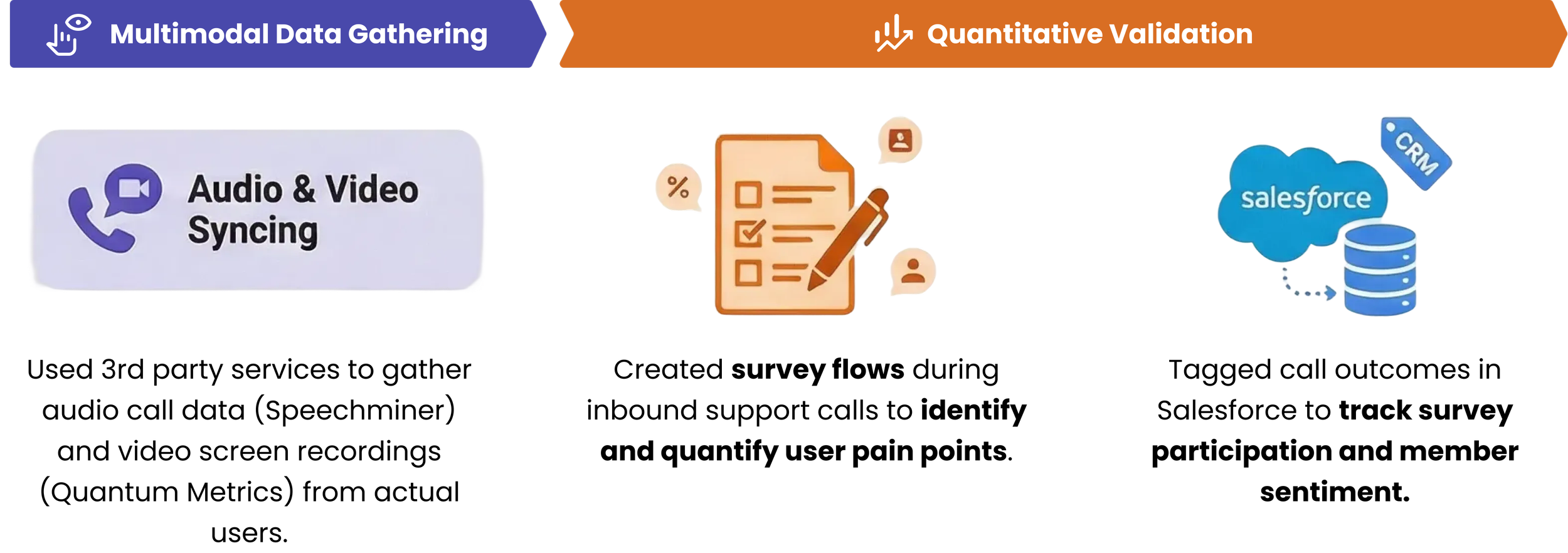
I partnered with our Member Advisors to get a list of recorded customer problem calls. By listening to these call recordings, I could find their associated web session recorded in Quantum Metrics videos. This gave me qualitative data to identify friction points in their flows.
When I heard or saw a user pain point, I documented it on an Affinity Map in Mural and ranked them.
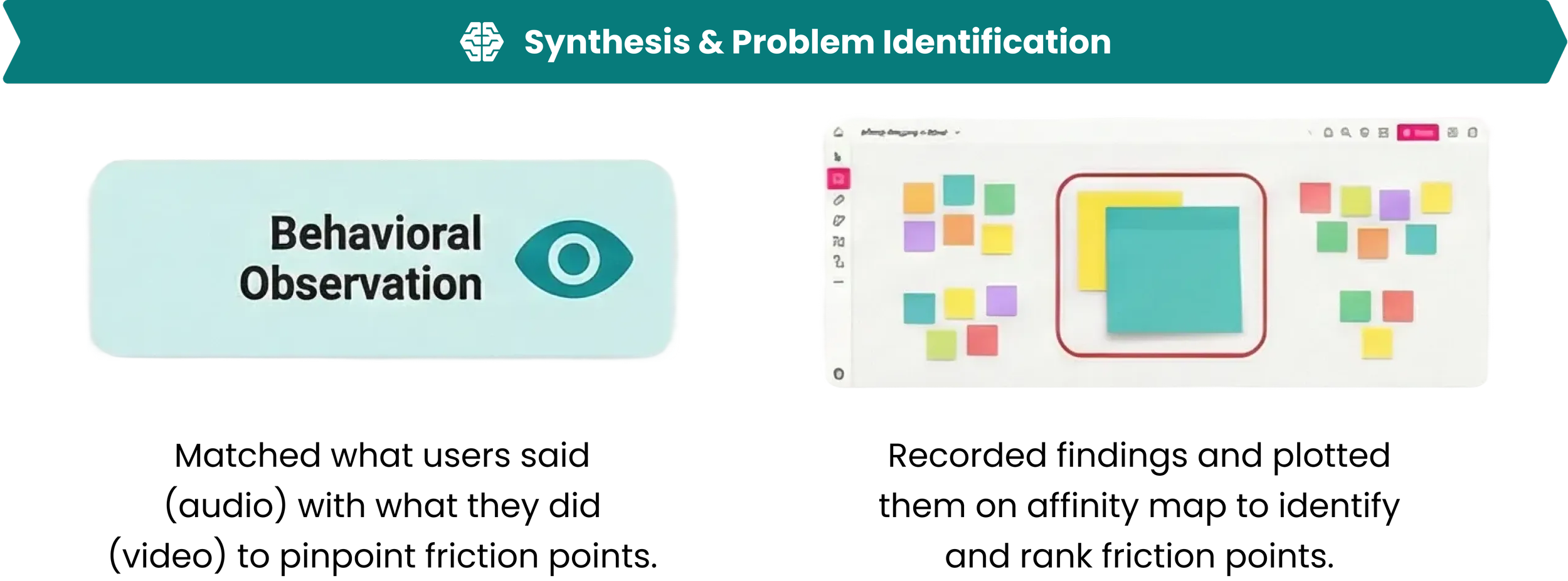
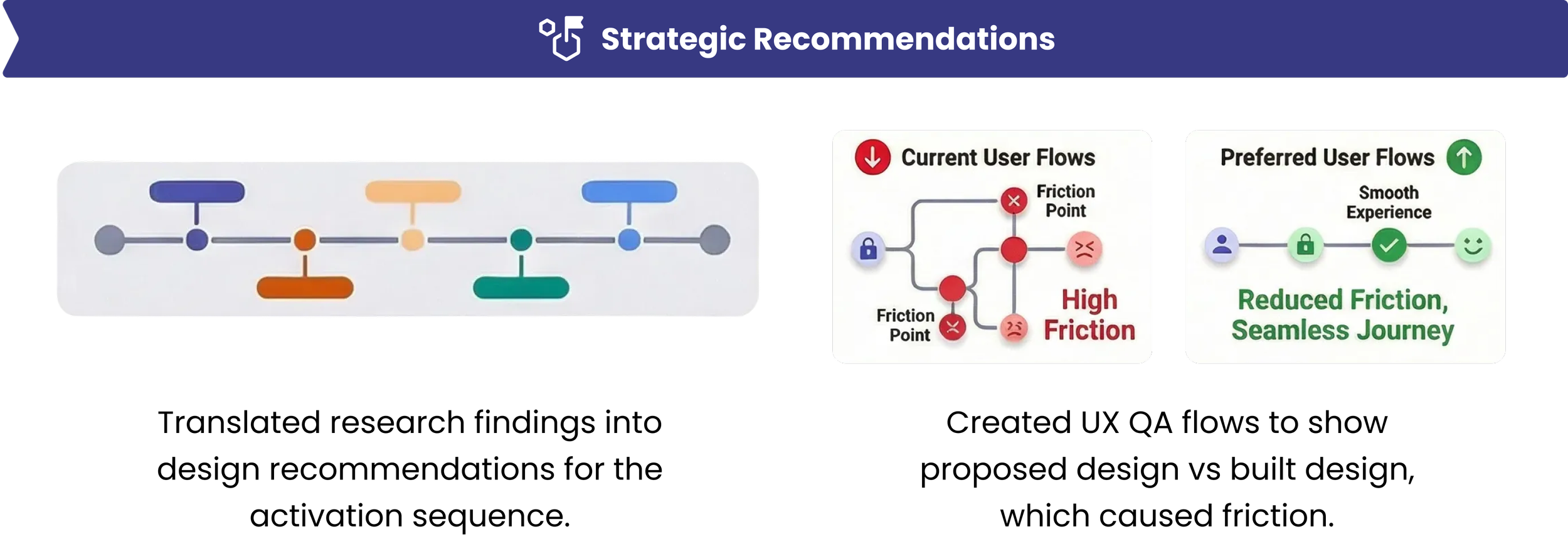
This allowed me to turn research into design recommendations beginning with an activation sequence redesign to reduce friction in the current user flow.
Recommended UX Improvements
The biggest pain point was the Login and account Activation sequence.
I made flows to compare the current experience vs the preferred experience, and gave the team recommendations.
Below: This is a short flow example of where a user pain point could be improved. I reduced a 7-step friction path with dead end to 5 by eliminating an incorrect LegalZoom “My Account” redirect.
Settled UX Disputes with Unmoderated Testing
The UX for changing passwords was at a standoff because the team disagreed on using a single password field (show/hide button) versus two fields to confirm the password.
Both sides had opinions, but we had no data, so I resolved it with unmoderated user testing. I'd let the users decide, and not the team. I researched it but found no definitive study, so we did our own.
I used rapid unmoderated A/B testing in an Axure prototype showing both options. I facilitated 10 unmoderated tests via usertesting.com.
I tracked observations on an affinity map matrix, and the test showed that 90% of users preferred the 2 input field method, and all users saw that as the most commonly used input method.
End-to-end: Standoff → Test → Synthesize → Final Design. Data resolved the deadlock.
The Project Was Ongoing
The tech team was building the Activation improvements that I designed before I left LegalZoom.
They planned to build the password creation improvements in Q3/2019. However I’ve since heard that they Lifeplan business unit has dissolved and don’t have details on why.
My Takeaway
I learned how to take an MVP from concept, launch, and iterate improvements. Key points that the team and I learned: